
Member Directory
Know your board and build stronger connections.
Great boards are built on relationships and expertise. The Member Directory helps your directors use each other’s backgrounds, skills, and networks to make better decisions.
Product walkthrough
Keep roles, access, and member information current.
Administrators can manage the complete roster while members see only the directory information intended for them.
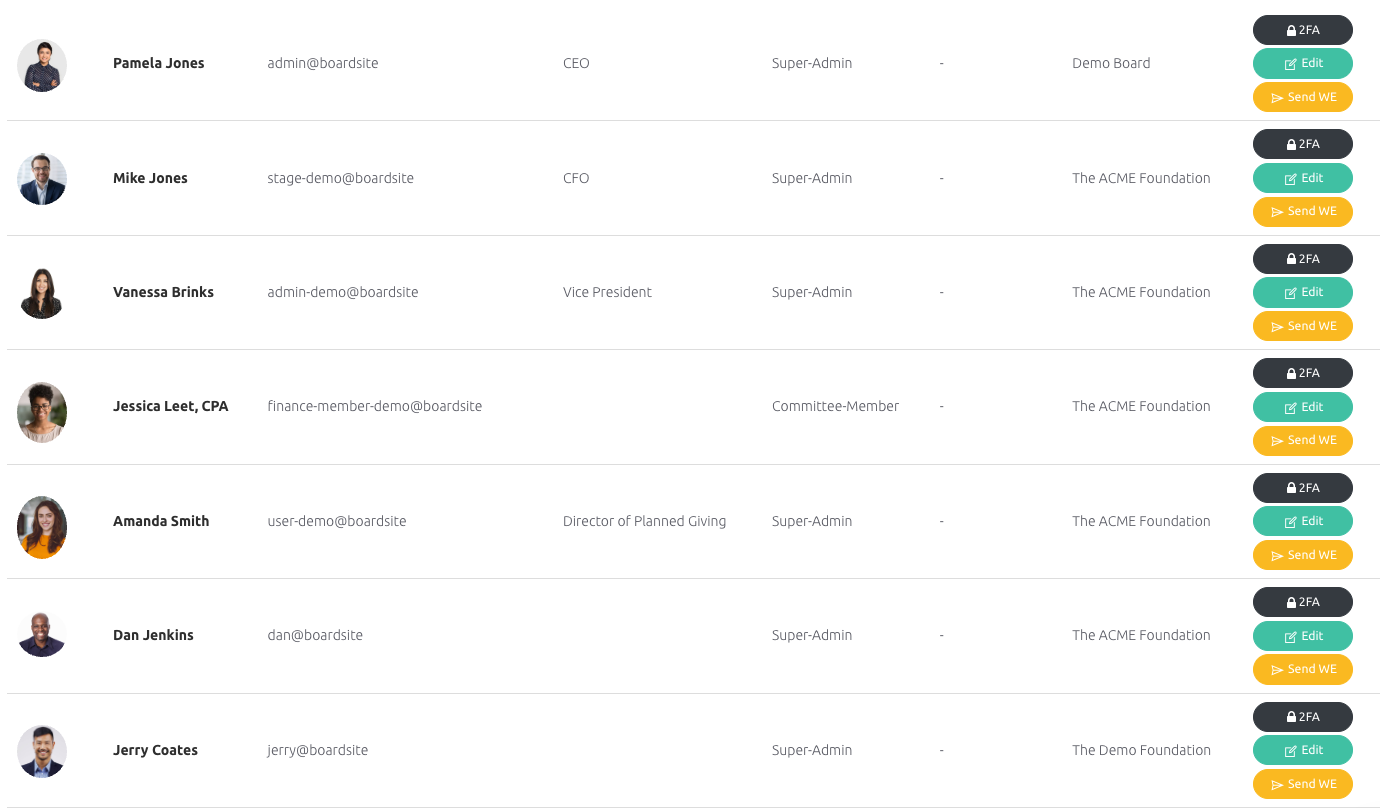
Access the expertise around your table
Each member brings unique skills and experience. The directory shows these qualifications, so directors know who to turn to for financial expertise, industry knowledge, or community connections.
Stay connected between meetings
Find contact information quickly when you need to collaborate, with professional and preferred contact methods organized and communication preferences respected.
Help new directors integrate faster
New members can immediately learn about fellow directors’ backgrounds and expertise, which speeds up relationship-building and helps them contribute sooner.
Tied to your board’s memory
The directory is part of the board’s record, so institutional knowledge about who’s who stays intact through turnover.
Meet the AI Board SecretaryQuestions & answers
Member directory questions
Managing the roster, roles, invitations, and private account information.
What information can the BoardSite directory contain?
The directory can contain names, board roles, committee assignments, and contact information the organization chooses to share. Administrators manage membership and access from the same system.
Can private login information remain hidden?
Yes. Authentication details are not displayed in the member directory, and a phone number used for two-factor authentication does not need to be shared with other members.
How are member roles and invitations managed?
Administrators invite members and assign administrator, staff, director, observer, or committee access. Optional launch services can also assist with bulk imports and invitations.