
Mobile Apps
Take your board portal anywhere.
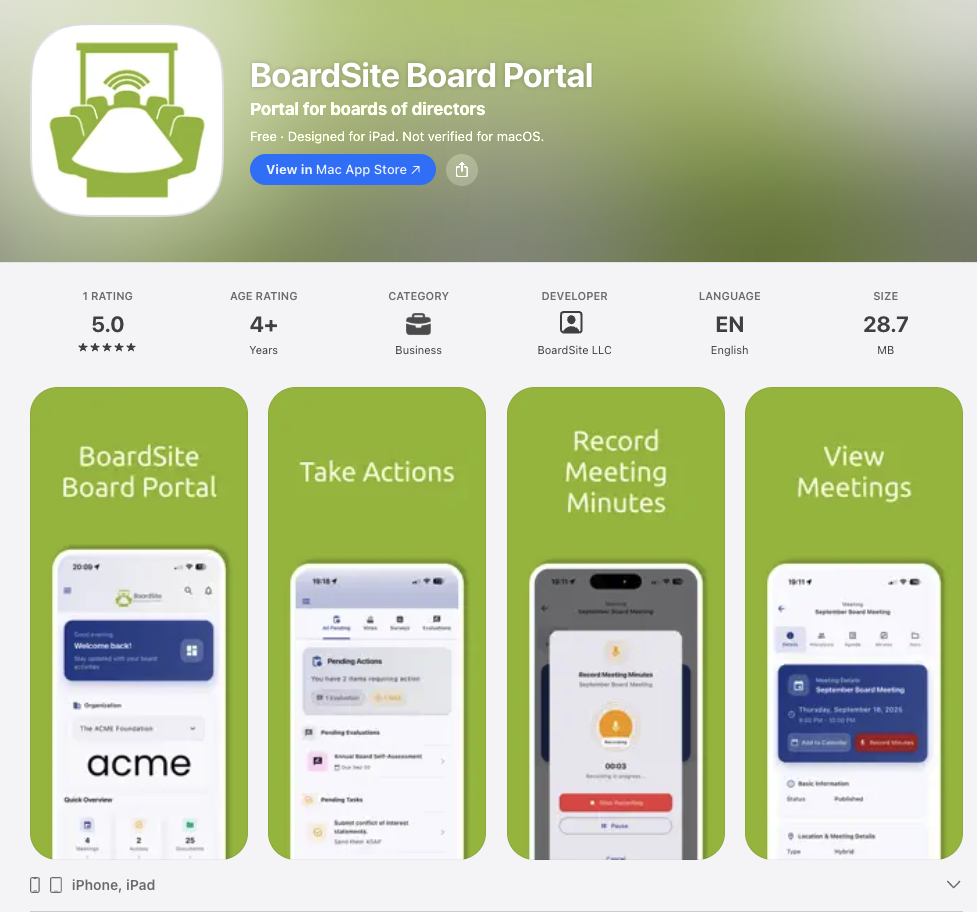
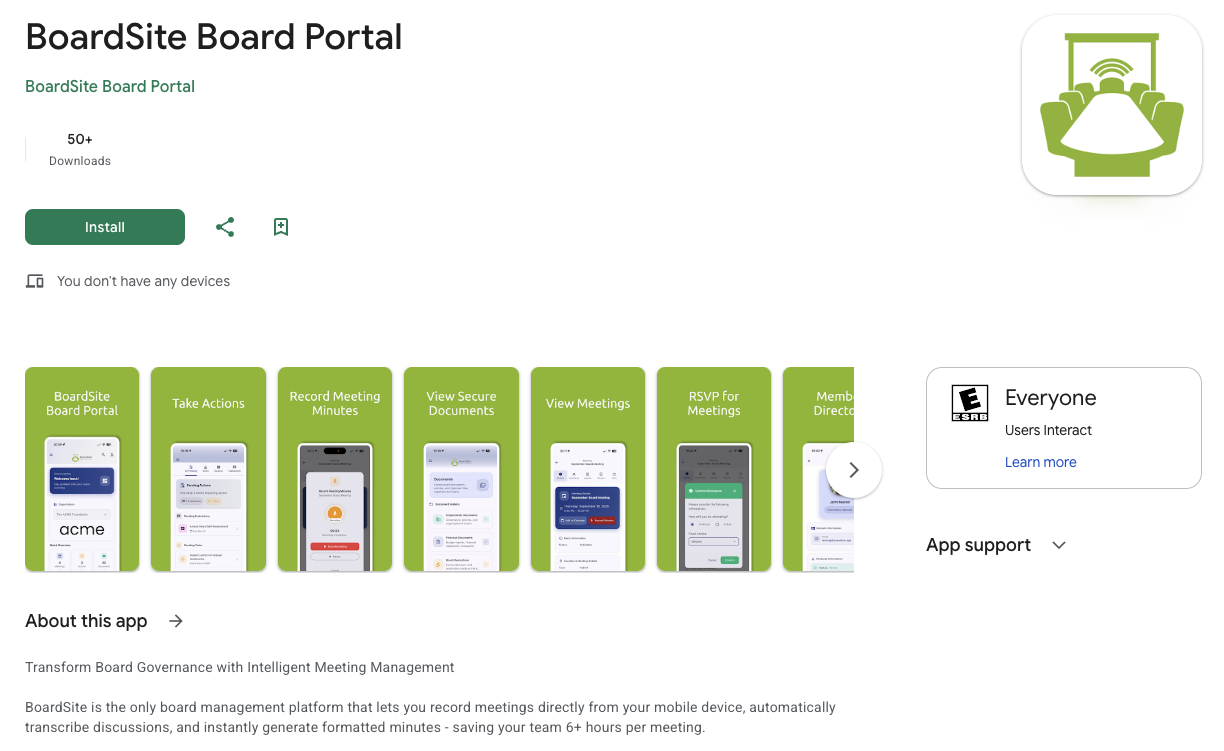
iOS and Android apps so directors stay engaged between meetings.


Product walkthrough
Take the board portal wherever directors work.
BoardSite keeps meeting materials and board activity usable across phones, tablets, and desktop devices.
1 of 2
Board service doesn’t stop when directors leave the office. BoardSite’s mobile apps for iOS and Android keep directors engaged whether they’re traveling, at home, or between meetings.
Review materials on your schedule
Download meeting packets, review agendas, and catch up on discussions from anywhere, so directors arrive ready to contribute.
Participate remotely
Cast votes securely, join discussions, and weigh in on time-sensitive decisions even when not physically present.
Stay updated with push notifications
Get notified about new materials, urgent discussions, or upcoming deadlines, with customizable preferences so directors stay informed without being overwhelmed.
Tied to your board’s memory
Everything done in the app, votes, RSVPs, comments, is captured in the same board record as the web portal, so the memory stays in one place.
Meet the AI Board SecretaryQuestions & answers
BoardSite mobile app questions
Secure board access from iOS and Android.
What can directors do in the BoardSite mobile apps?
Directors can review packets and agendas, RSVP, vote, participate in discussions, and receive notifications from iOS or Android. Mobile apps begin with Standard.
Do mobile users have the same permissions as web users?
Yes. BoardSite applies the same role, committee, meeting, and document access rules across mobile and web experiences. See Security.
Do mobile votes and RSVPs enter the board record?
Yes. Authorized activity from the app is recorded in the same meeting and governance record as activity completed through the web portal.