
Note: Only users with specific roles (e.g., Admin, Chair, Communications Officer) may have permission to edit announcements.
Steps:
- Log in to your Boardsite account.
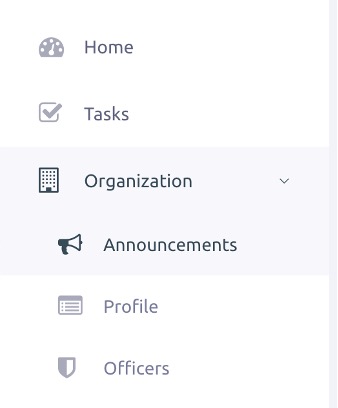
- Navigate to the “Announcements” section on the dashboard or side menu under “Organization.”
- Locate the announcement you wish to edit.
- Click the Edit icon next to the announcement.

5. Make the desired changes:
- Title
- Message content
- Attached files or images
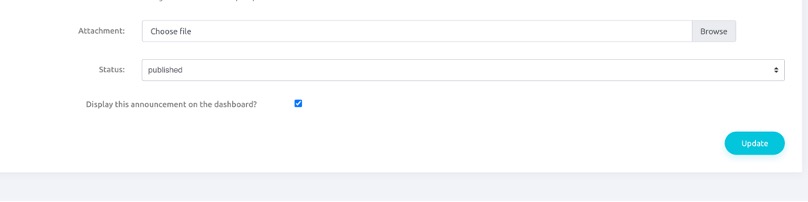
- Visibility settings or publish date (if applicable)
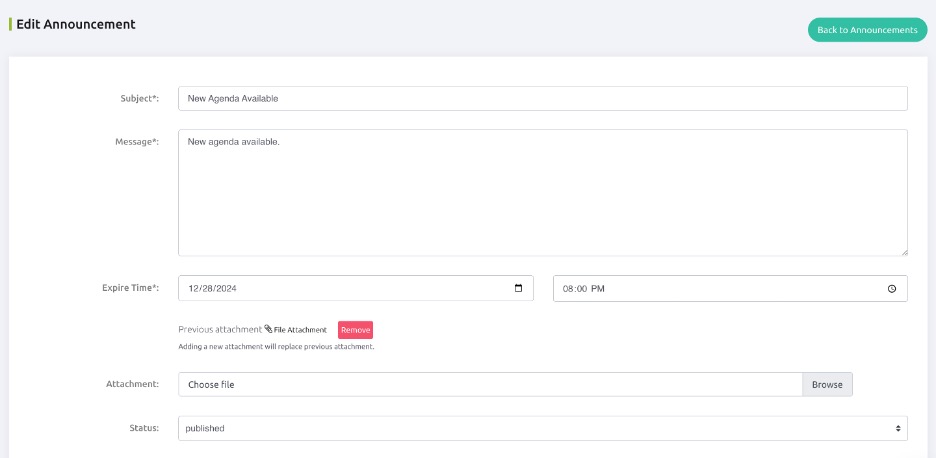
6. Click Save or Update.
Review the updated announcement to confirm the changes.


