
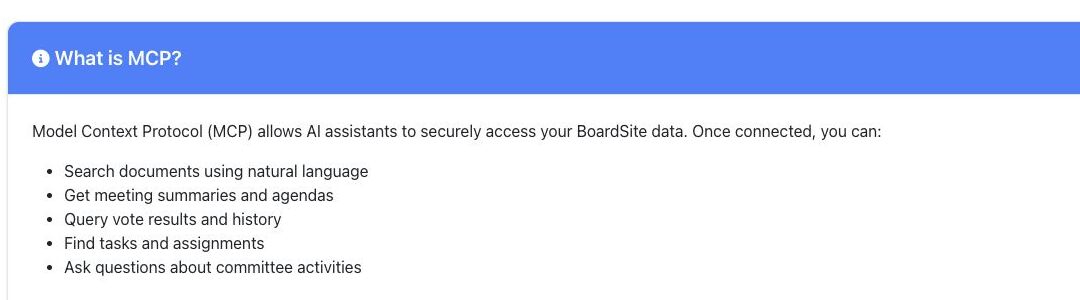
BoardSite’s Model Context Protocol (MCP) integration lets supported AI assistants query BoardSite data according to the API key’s scopes and the connected user’s access. Creating and managing MCP credentials requires a separate permission even when Integration Management is visible.
Before you connect #
- Confirm that MCP is enabled for the organization and that you are authorized to create API credentials.
- Use the smallest scopes required for the intended assistant.
- Review the AI provider’s data-handling and retention terms before allowing it to receive BoardSite data.
Create and configure a key #
- Open Organization > Integrations.
- In AI Integration (MCP), select Configure AI Integration.
- Select Create New Key, give it a recognizable name, and select only the required scopes.
- Copy the secret when BoardSite displays it and store it in an approved secret manager. Do not place it in chat, email, screenshots, or documentation.
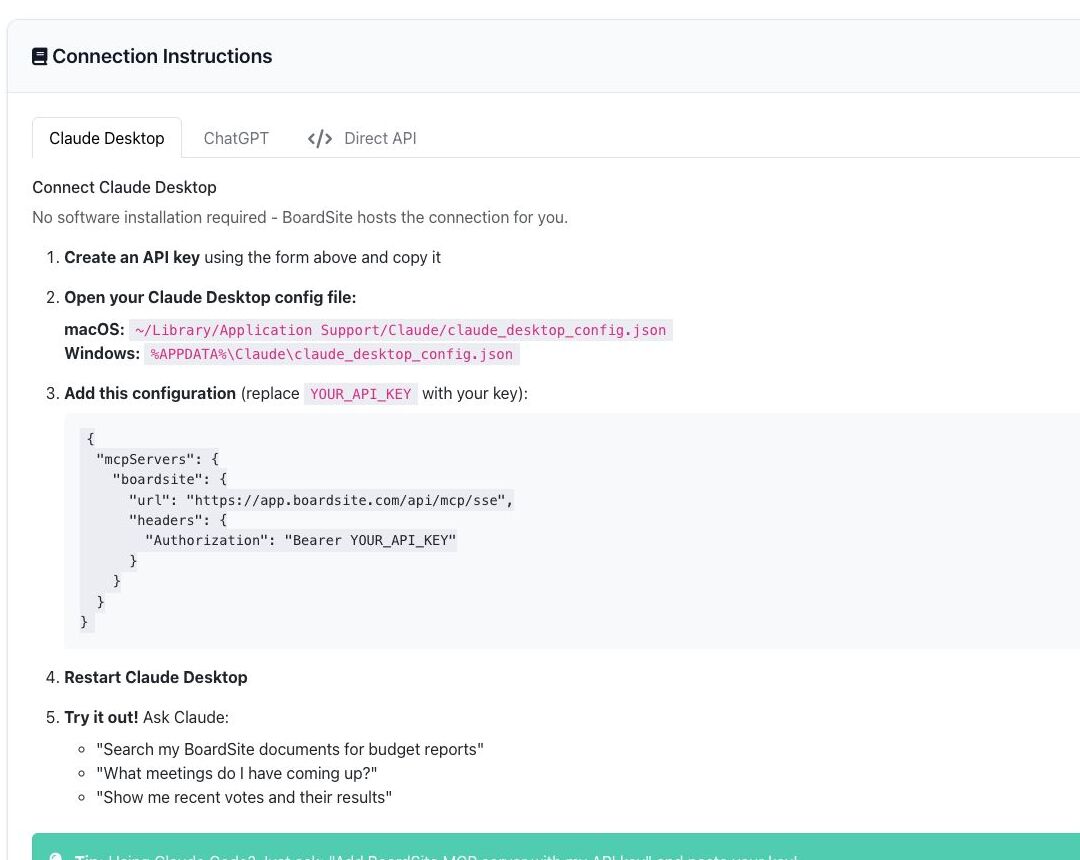
- Choose the instruction tab for the supported client and replace the
YOUR_API_KEYplaceholder locally with the secret. - Restart or reconnect the client as instructed, then test a low-risk query.
Review or revoke access #
The API Keys table shows the key name, non-secret prefix, scopes, rate limit, status, and last use. Select Revoke when a key is no longer needed or may have been exposed. Revocation immediately prevents future use of that credential.
Security note: AI output can be incomplete or incorrect. Verify summaries and answers against the underlying BoardSite records before relying on them for board decisions.


