
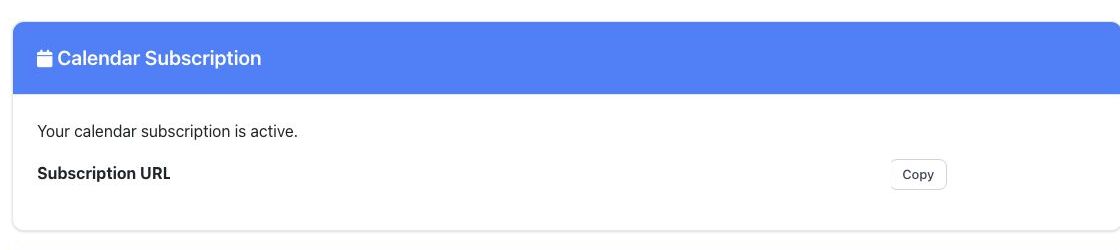
Your personal BoardSite calendar subscription keeps supported BoardSite events visible in a calendar application through a private subscription URL.
Copy the subscription URL #
- Open Organization and select Integrations.
- Find Calendar Subscription.
- Select Copy beside the subscription URL.
- In your calendar application, add a subscribed calendar or calendar from URL.
- Paste the URL and finish the calendar application’s prompts.
Keep the URL private: the subscription address is a credential. Do not place it in screenshots, tickets, shared documents, or public pages. If it is exposed, contact BoardSite support or your administrator to determine whether it must be replaced.
Troubleshooting #
- Use a calendar subscription, not a one-time file import, when you want future updates.
- Calendar applications choose their own refresh schedule, so changes may not appear immediately.
- Confirm your personal and organization time-zone settings if times appear incorrect.


