
The organization profile controls the board’s name, contact information, default time zone, and logo. Only use this page when your role includes organization-profile management.
Update the profile #
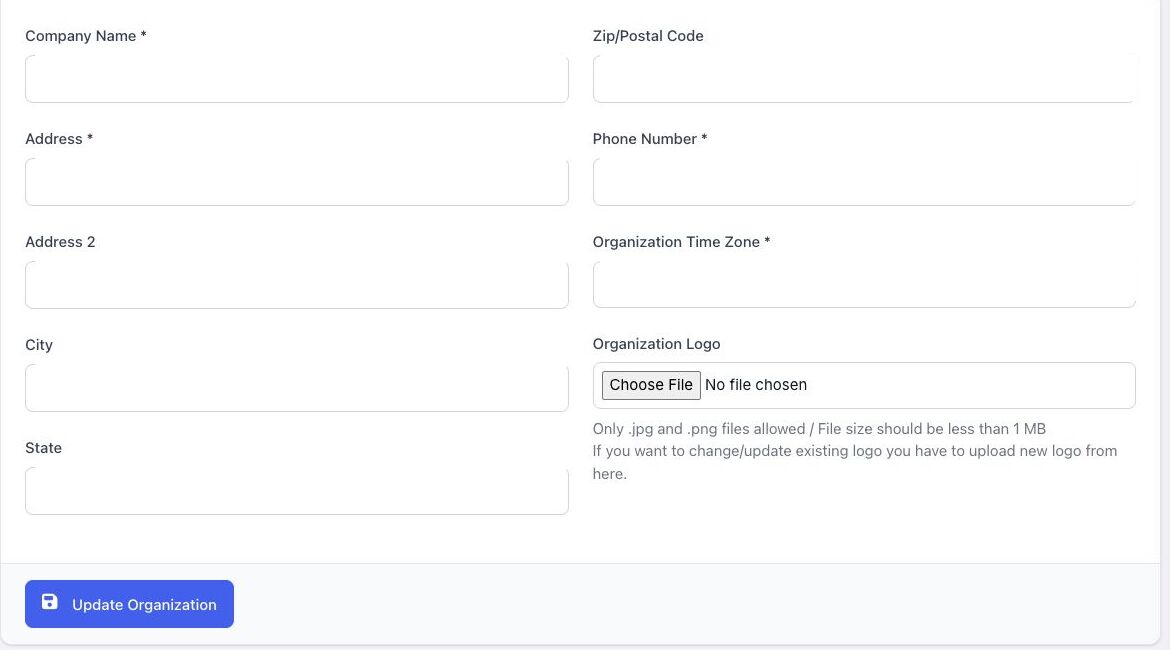
- Open Organization and select Profile.
- Review the company name, address, postal code, and phone number.
- Select the Organization Time Zone.
- To replace the logo, choose a JPG or PNG file smaller than 1 MB.
- Select Update Organization.
Time-zone guidance: use the zone where the organization normally schedules meetings. A member may have a personal time-zone override; BoardSite uses that override for the member instead of the organization default.
After changing the default, verify a future meeting from both the administrator and member views. Changing the time-zone setting should be coordinated when meetings are already scheduled.


